Registration
Your account and signing in
Password login, several people in one company, locked accounts — what applies on the supplier side.
- Duration: 10 min
- Read first: Accept the invitation and set up access
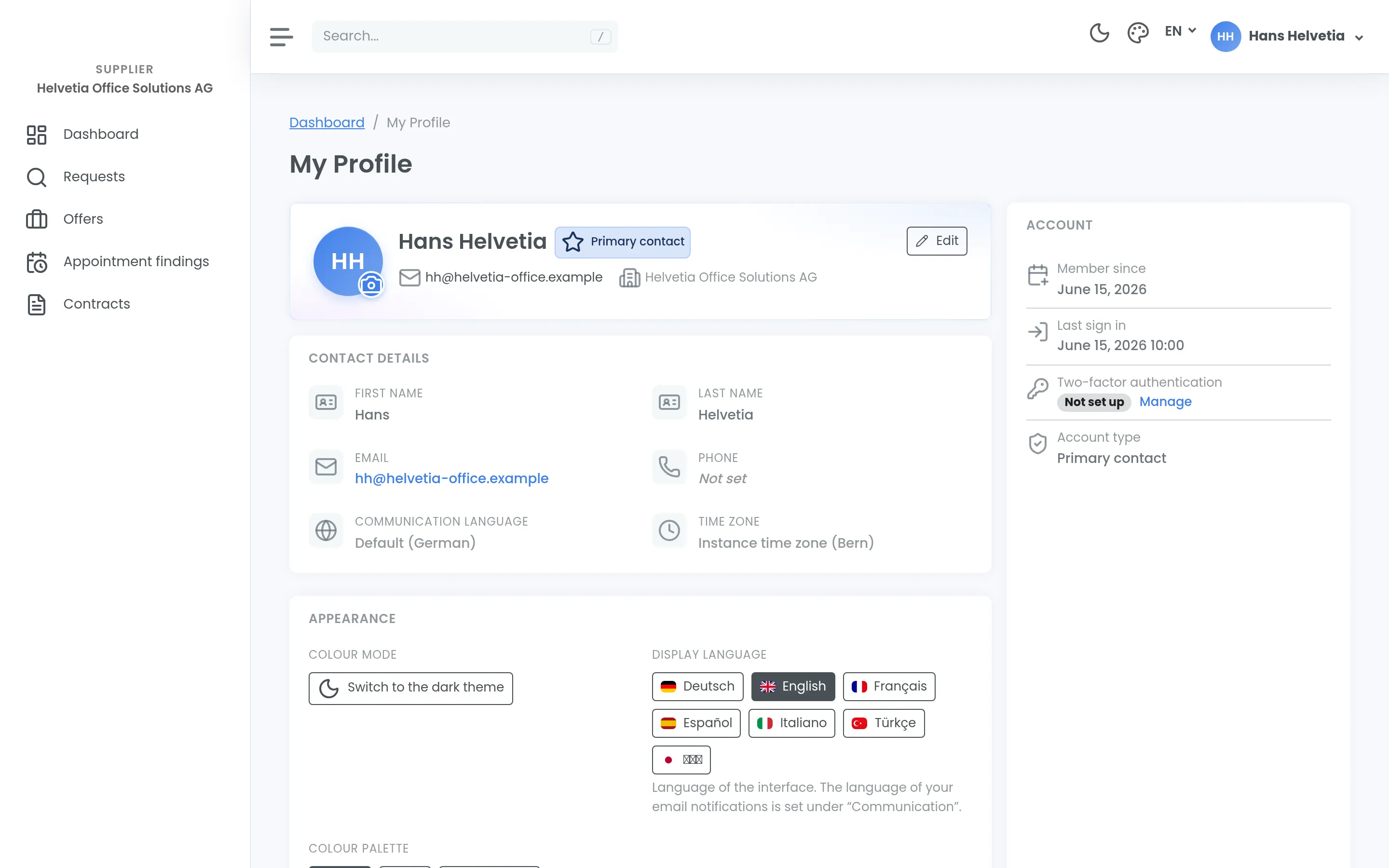
Signing in on the supplier side is deliberately simple. It is also the most common source of support questions, so here it is in full.
Username and password
You sign in with a username and password. Single sign-on through your company account — Microsoft, Google or your own directory — is not available on the supplier side. That is intentional: a supplier usually works for many buyers, and a separate account per portal is the approach that works everywhere.
There is no second factor such as a code from an app on the supplier side today. So use a password you do not use anywhere else.
When signing in stops working
After several failed attempts the account is temporarily locked — a safeguard against automated guessing. If you are certain the password is right and it still will not work, wait rather than keep trying.
If you have simply forgotten the password, though, waiting does not help. You reset the password yourself — there is nobody to write to and no approval to wait for. That is the normal route, and with a deadline running it is the fastest one.
If that does not resolve it, the buying organisation is your contact, not us. They manage access in their own instance.
Several people in your company
A supplier account has a main contact and, optionally, a deputy. Both can do the same day-to-day work; only the main contact can administer — that is, change details and access. The deputy can be recorded with or without their own login.
Use this. A shared password is convenient right up until someone leaves the company or goes on holiday and nobody knows who is watching the deadline.
When someone leaves
Access is deactivated, not deleted. Anyone who has acted remains traceable in the log, but they are out of day-to-day operation immediately. So report staff changes actively rather than letting an account quietly stay open.
Language and devices
The interface is available in seven languages; German and English are fully maintained, including all emails. French and Italian are among them. Which of them you actually get to choose from depends on the instance — the buying organisation can narrow the selection.
That applies to the interface only. The tender itself — documents, questions and answers — is in whatever language the buying organisation wrote it in; switching the interface does not translate it.
The interface works on mobile devices — there is no separate app, and for putting an offer together a computer is the better choice.