Submitting an offer
Put your offer together
What a complete offer contains — and what offers most often fail on.
- Duration: 25 min
- Read first: Read the tender documents
Most eliminated offers fail on completeness, not on price.
Your offer is created in the portal
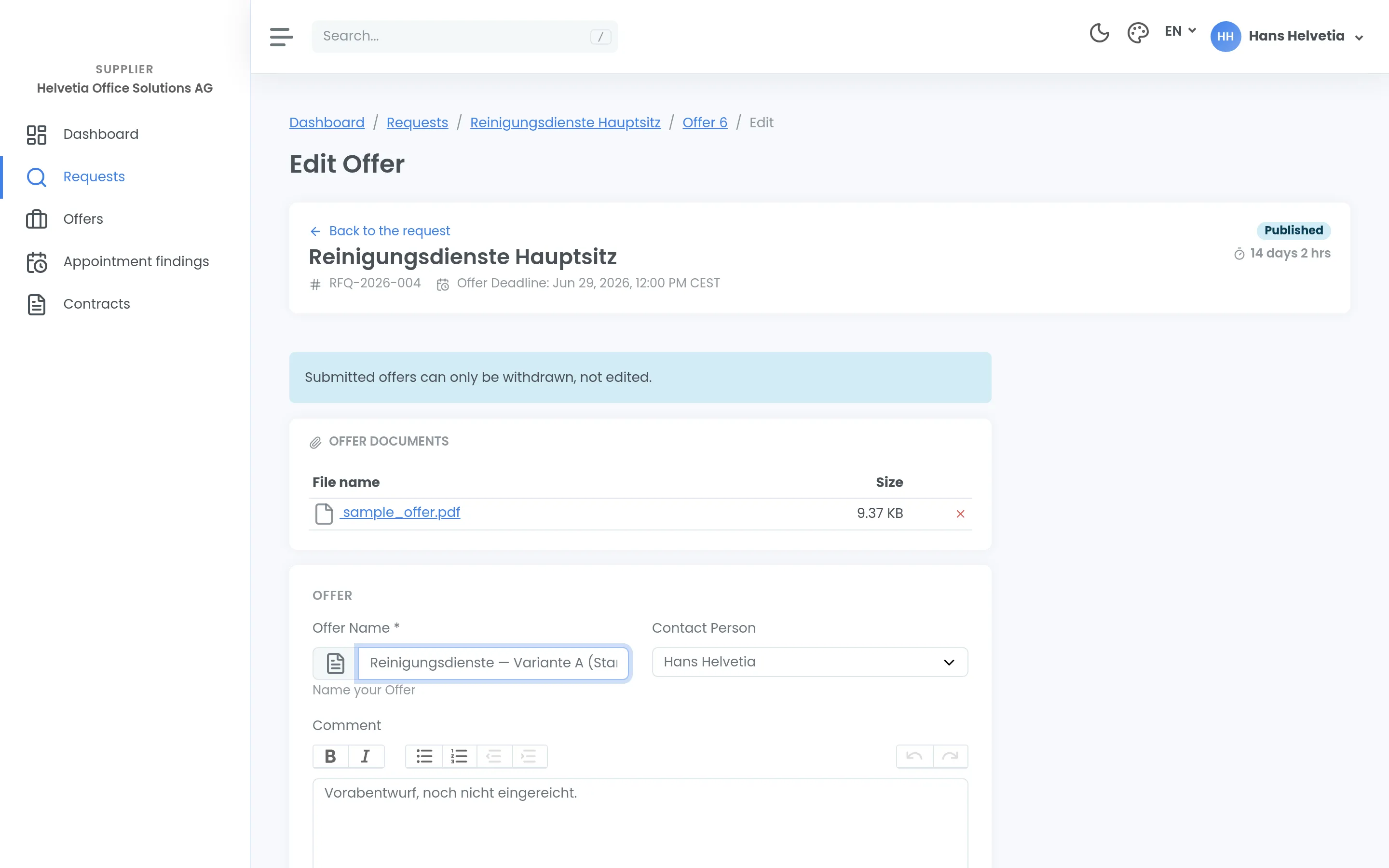
An offer is put together and submitted in the supplier portal. There is no other route — no interface an offer could be pushed through, and an email to the buying organisation is not a submission. Plan time for it rather than treating it as a formality.
Check before you submit
This list matters because a sent offer can no longer be edited — correcting one means withdrawing it and submitting again. Work through it before you send.
- Are all the required documents attached?
- Is every line item filled in — including the ones scored at zero?
- Do your details match your company profile?
- Have you taken the question-round answers into account?
- Has the tender been amended since you last read it?
Deviations
If you deviate from a requirement, write it down. A stated deviation can be assessed; an unstated one means your offer gets compared against something other than what you meant.
The same goes for assumptions. If you had to price something without getting an answer, state the assumption alongside it.
Price and assessment
How your offer is assessed is set out in the tender’s award criteria — and price is rarely the only factor. Weighted criteria are common, with price converted into points by a formula. What applies in your procedure is in the documents; the software does not dictate it.
Several people often assess independently of one another. So write for someone who does not know your company: an offer that only makes sense with prior knowledge loses points with exactly the person who lacks it.
Files
Stick to the formats and file names the tender asks for. Underneath that sits a second limit that does not come from the tender: for offer documents, e-Request itself sets how many files you can attach, how large they may be and which types it accepts.
Up to 15 files per offer, each up to 30 MB. Allowed are PDF, Word (doc, docx), Excel (xls, xlsx), images (jpg, png), plus csv, txt and zip. Anything else is rejected, whatever the tender documents say.
The 30 MB is per file, not for the offer as a whole. So a single oversized file has to be reduced or split; plenty of mid-sized ones are fine, as long as you stay under 15.
That catches the usual advice to compress large files: only zip is accepted. An archive in rar or 7z will bounce — and it bounces when you upload it, not when you create it.
So upload early. A rejected file in the last hour is exactly the case this page can no longer help you with.